Smart Switches vs. Smart Dimmers: Choosing the Right Controls for Your Home
Choose smart switches when you want whole-circuit on/off control, strong app/voice integration, and easy room-wide automation. Pick smart dimmers for adjustable brightness, better ambiance, and real energy savings—great for living rooms and bedrooms. Check wiring: many devices need a neutral; no-neutral models (like Leviton or Lutron Caséta) simplify older homes. Match dimmers to bulb types. Favor Matter, Zigbee, or Z-Wave for reliability, and enable 2FA. You’ll also see top picks, pricing, and installation tips next.
Key Takeaways
- Smart switches give whole-circuit on/off control; smart dimmers adjust brightness for ambiance and additional energy savings.
- Switches often require a neutral wire; choose no-neutral models (e.g., Lutron Caséta, Leviton no-neutral) for older homes.
- Dimmers must match bulb types to avoid flicker; verify LED compatibility and wiring before purchase.
- Platform support matters: look for Wi‑Fi, Zigbee, Z‑Wave, or Matter, plus strong security and firmware updates.
- Use dimmers in living/bedrooms for mood and efficiency; use switches in kitchens, halls, and multi-fixture circuits.
What Are Smart Switches and Smart Dimmers
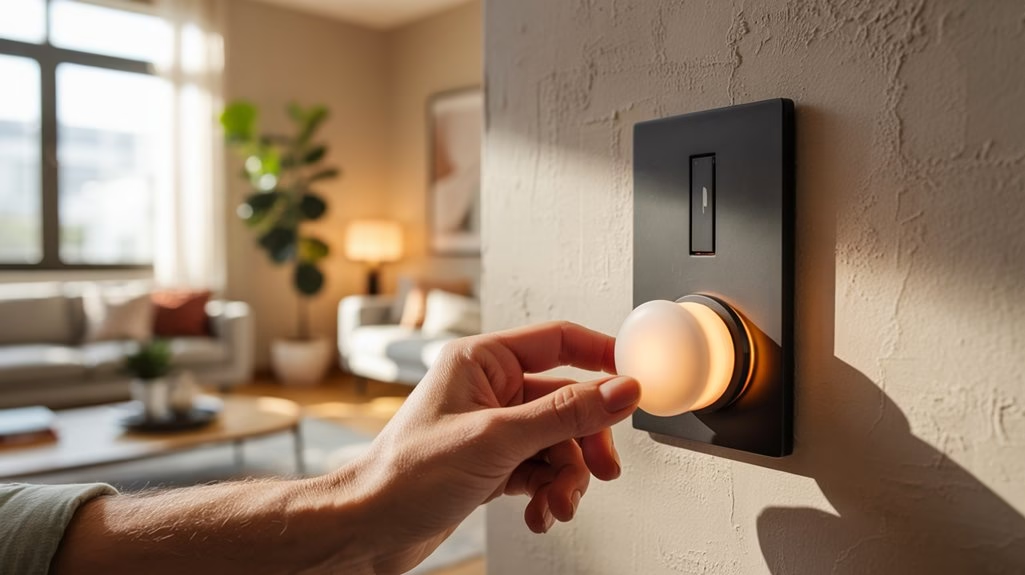
While both aim to modernize your lighting, smart switches and smart dimmers serve different roles. You use smart switches to turn lights and some appliances on or off through Wi‑Fi, a smartphone app, or voice commands—handy for whole-room control and multi-bulb fixtures.
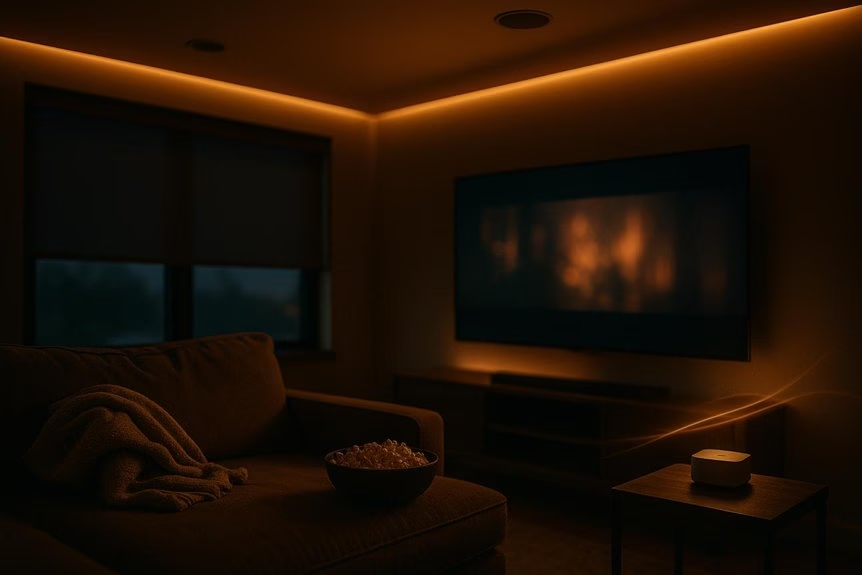
Smart dimmers, by contrast, fine-tune brightness, letting you tailor light levels for tasks, relaxation, or movie night.
Smart dimmers fine-tune brightness, shaping perfect light for tasks, relaxation, or movie night.
In home automation, smart switches excel at broad control and scene triggers, while smart dimmers refine the mood with adjustable fade on/off, schedules, and precise light intensity.
Many smart switches need a neutral wire, though no‑neutral options like the Leviton Decora Smart No‑Neutral Dimmer simplify installation.
Both options improve energy efficiency by automating usage and right-sizing brightness, helping you trim electricity costs over time.
Pros and Cons of Each Option
Because smart switches and smart dimmers solve different problems, their trade-offs are clear: smart switches give you broad on/off control for multiple fixtures and tend to integrate widely with smart platforms, but they don’t directly save energy and higher-end models can be pricey.
Choose smart switches if you want straightforward whole-room control, scenes with many devices, and robust ecosystem support. They’re convenient and flexible, but their value skews toward automation rather than energy efficiency, and premium models can exceed $70.
Pick smart dimmers when lighting ambiance and savings matter. Dimming reduces power draw, boosting energy efficiency and comfort. They’re typically affordable ($18–$50) and excellent for frequently used lights.
However, they focus on brightness control and may pair best with specific bulbs and ecosystems.
Wiring Requirements and Compatibility
After weighing features and cost, the next filter is whether your wiring can support each device. Smart switches usually need a neutral wire to power onboard electronics; without it, they won’t function reliably.
If your home lacks neutrals, look for no-neutral models, such as the Leviton Decora Smart No-Neutral Dimmer, to maintain compatibility and avoid rewiring. Smart dimmers also have specific wiring requirements and must match your bulb types; trailing-edge dimming works best with LEDs and reduces flicker and buzz.
For multi-way circuits, plan how each device will coordinate.
- Confirm neutral wire presence in each box before purchasing.
- Match dimmer technology (trailing-edge) to your LED bulbs.
- Verify compatibility with multi-way circuits and required accessories.
- Read model manuals for wiring requirements and compatibility notes.
Platform Support and Connectivity Standards
Although features and price draw you in, platform support and connectivity decide how smoothly your smart switches or dimmers fit your home.
Look for smart home devices that speak common connectivity standards like Wi‑Fi, Zigbee, and Z‑Wave, so you can pair them with ecosystems you already use.
If you want broad, app‑agnostic control, the TP‑Link Kasa KS225 dimmer supports Amazon Alexa, Google Home, Matter, and Samsung SmartThings.
Matter adds future‑proofing and faster, more reliable local control across brands.
Prefer hub‑centric setups? Leviton Decora Smart models integrate with Z‑Wave hubs such as Home Assistant and SmartThings, giving you flexible automations without cloud dependence.
Don’t overlook security.
The Tapo app for the KS225 enables two‑factor authentication by default, reinforcing account protection as you expand your platform support.
Use Cases by Room and Fixture Type
Whether you’re lighting a cozy den or a busy kitchen, match the control to the fixture and task. In home lighting, pair smart dimmers with rooms where ambiance matters and smart switches where full on/off control and device management shine.
- Living room: Use smart dimmers to set scenes for movie nights or gatherings. You’ll fine-tune brightness on sconces and recessed cans without glare.
- Kitchen: Choose smart switches for banks of overhead lights and select appliances. One tap or voice command improves visibility and safety while you prep.
- Bedroom: Rely on smart dimmers for gradual fade-to-dark routines and gentle wake-ups, reducing harsh light and supporting better sleep hygiene.
- Home office and outdoors: In the office, smart switches control task lamps and peripherals for focus.
Outside, switches manage landscape and security lights, boosting safety and convenience.
Energy Savings and Automation Features
You’ve matched controls to rooms and fixtures; now put them to work cutting waste. Schedule lights around real usage, and you’ll see measurable energy savings as peak-on times shrink.
Use automation features—timers, sunrise/sunset offsets, and motion sensors—so lights switch off when rooms empty without you lifting a finger.
Automate with timers, sunrise/sunset offsets, and motion sensors to switch off empty rooms effortlessly.
Lean on smart dimmers to trim brightness when full output isn’t needed. With LEDs, even small reductions translate into meaningful cuts, helping smart lighting reduce residential lighting energy use by as much as 50% versus traditional setups.
Create scenes that cap brightness in hallways or late-night routines.
Tie your smart switches and smart dimmers into your home platform to monitor consumption in real time, compare rooms, and adjust schedules or dim levels to keep efficiency on track.
Privacy, Security, and Local Control
Even as you chase energy savings, keep privacy, security, and local control front and center.
Smart switches and dimmers can protect your data while giving you flexible control, but you need to choose wisely and configure them well.
1) Favor local control: Run everyday on-device schedules without cloud dependence.
With local control, you cut exposure to external attacks because actions don’t traverse the internet.
2) Check authentication: The TP-Link Kasa KS225 enables two-factor authentication by default, strengthening security for remote access while sharing minimal data for scheduling.
3) Verify hub policies: Leviton Decora Smart Z-Wave Dimmer privacy and security hinge on your Z-Wave hub.
Review the hub’s privacy policy and encryption support.
4) Use secure protocols: Both Kasa and Leviton designs support protected communications.
Keep firmware updated, and only enable remote control when you truly need it.
Installation Tips and Common Pitfalls
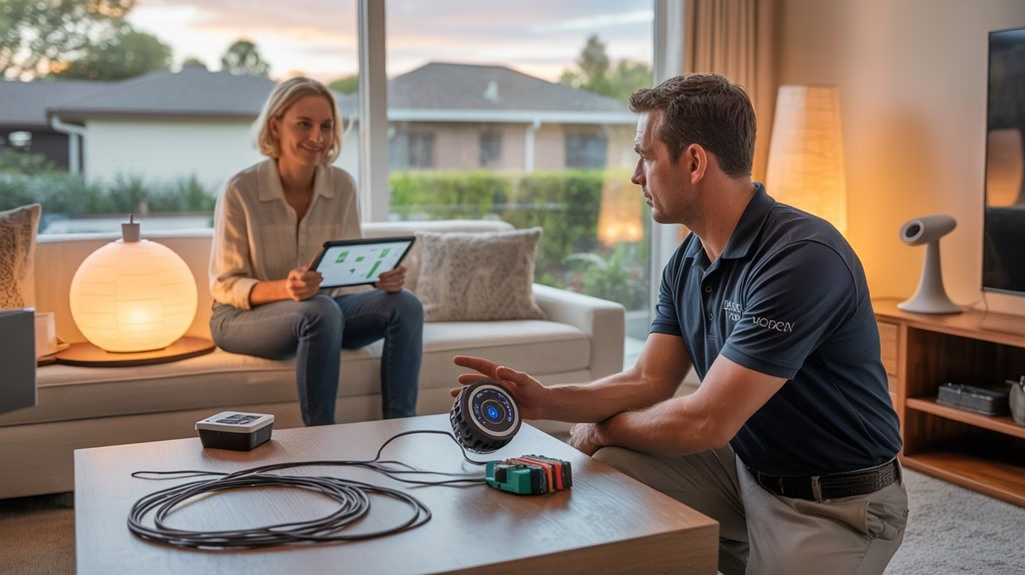
Before you pick up a screwdriver, plan the install so you don’t hit avoidable snags. Start with the basics: cut power at the breaker and label the circuit. Use a voltage tester to confirm it’s truly de-energized before touching any wires.
Review the manufacturer’s instructions—installation tips vary between smart switches and dimmers, and improper wiring can cause malfunctions or hazards.
Verify your existing wiring. Many smart switches and dimmers need a neutral wire; if it’s missing, choose a compatible model or consult an electrician.
Check box depth and device size—some units are bulky and won’t fit shallow boxes without deeper pattresses.
Photograph the old connections before removal, cap unused wires, and tighten all terminations.
Finally, restore power, test locally, then complete app setup.
Top Picks and Notable Alternatives
While price and wiring needs can narrow your choices fast, a few standouts make deciding easier. If you’re comparing smart switches and smart dimmer switches, focus on platform support, wiring requirements, and price-to-feature value within your smart home technology.
1) TP-Link Kasa KS225 Matter Dimmer ($18): A budget-friendly Matter pick. It plays well with major platforms, but it requires a neutral wire. Great for consistent app/control across brands.
2) Feit Electric Smart Wi-Fi Dimmer ($19): Classic rocker feel with app scheduling. Works with Alexa, Siri Shortcuts, and Google Home; needs a neutral wire.
3) Leviton Decora Smart Z-Wave Dimmer ZW6HD ($47): Ideal if you’ve got a Z-Wave hub. Offers precise brightness and smooth fades.
4) Leviton Decora Smart No-Neutral Dimmer DN6HD ($50): Installs without a neutral, supports three-way. Notable alternative: Lutron Caséta (hub-based) for no-neutral homes.
Frequently Asked Questions
What Are the Disadvantages of Smart Switches?
You’ll face several disadvantages: installation challenges if your home lacks a neutral wire, higher costs than standard switches, and reliance on steady Wi‑Fi.
You might hit compatibility issues with certain platforms or bulbs, causing features to break. During internet outages, remote control and automations can fail.
There’s also a learning curve—apps and advanced settings can confuse guests or non‑tech users, and troubleshooting firmware updates or network conflicts takes time.
Do I Need Smart Switches if I Have Smart Lights?
You don’t need smart switches if you already have smart lights, but you’ll gain extra smart lighting benefits.
Switches give physical control options for guests, cut phantom power, and keep lights usable when Wi‑Fi glitches. They expand integration potential for scenes, schedules, and multi‑fixture control from one spot.
Dimmer switches add smooth brightness control without app fuss. If you want simplicity and reliability, add switches; if bulbs suffice, stick with them.
When Should You Not Use a Dimmer Switch?
Don’t use a dimmer switch when you face dimmer compatibility issues or strict bulb type restrictions.
Avoid pairing non-dimmable LEDs, CFLs, or mismatched bulbs, and skip dimmers on ceiling fans or motor loads.
If there’s no neutral wire, installation limitations can cause flicker or overheating.
Don’t exceed the dimmer’s wattage rating.
In damp areas, only use damp-rated dimmers.
When unsure, check manufacturer specs and wiring before installation.
What Is the Disadvantage of a Dimmer Switch?
The disadvantage of a dimmer switch is inconsistent performance with LEDs.
You’ll face dimmer compatibility issues, including potential flickering problems or buzzing if bulbs aren’t rated for dimming.
You’re often limited to limited bulb types, and some models have narrow dimming ranges, making fades feel choppy.
You might need a neutral wire, complicating installs in older homes.
Integration can be tricky, since not all dimmers play well with Zigbee or Z-Wave, and efficiency can lag.
Conclusion
You don’t have to overhaul your whole house to get the benefits. Start with one switch where it matters most—a kitchen can light or the bedroom lamp—and you’ll feel the difference the first evening. Tap once, lights glide to a cozy glow; say the word, hallways wake up as you walk. Whether you pick dimmers for ambiance or switches for simplicity, you’ll stitch comfort, control, and savings into everyday moments without tearing into your walls or routines.