Smart Home Automation: Transform Your House Into an Intelligent Home
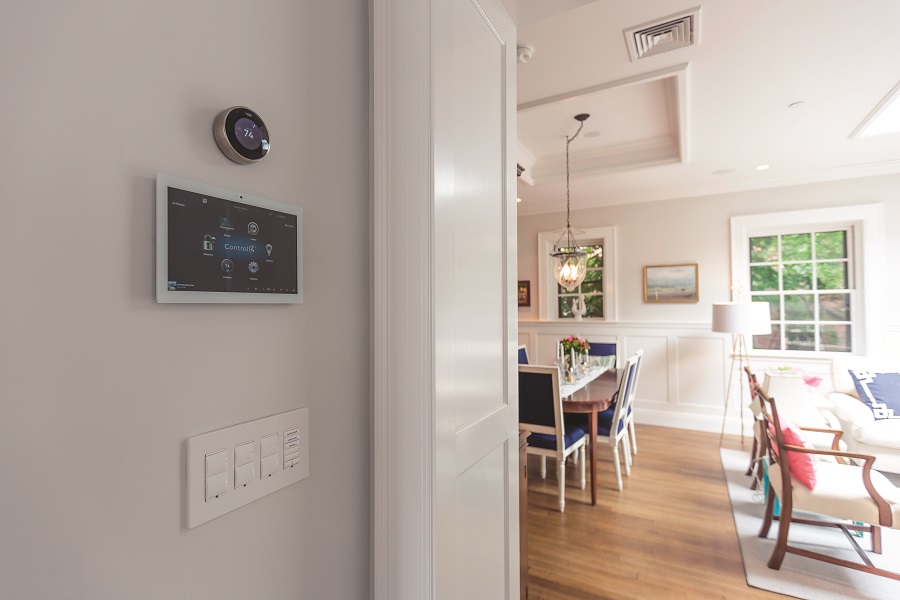
Turn your house into a smart home by uniting compatible devices—thermostats, lights, locks, cameras—under one ecosystem like Google Home, Amazon Alexa, or Apple HomeKit. You’ll control everything by app or voice, boost comfort, tighten security, and cut energy use. Smart thermostats learn routines for up to 15% HVAC savings, while sensors and automated shades reduce waste. Doorbell cams, smart locks, and routines add safety and convenience. Set up rooms, groups, and automations—and discover how to make it all work smoothly.
Key Takeaways
- Choose a single ecosystem (Google Home, Alexa, or Apple HomeKit) and verify device compatibility for seamless control.
- Start with core devices: smart thermostat, lights, locks, cameras, and a hub or speaker.
- Use automation routines and schedules to optimize comfort, security, and energy savings.
- Leverage occupancy sensors and automated shading to cut HVAC and lighting costs by up to 15%.
- Organize devices by rooms/groups, keep firmware updated, and consider pro installation for complex setups.
What Is a Smart Home and How It Works
Although the term sounds futuristic, a smart home is simply a residence where interconnected devices and systems automate tasks and enable remote control to boost comfort, security, and energy efficiency.
You use smart home technology to connect smart appliances, smart thermostats, automated lighting, and home security systems so they work together. Through Wi‑Fi, Bluetooth, or other protocols, these connected devices share data, enabling smart home automation that responds to schedules, sensors, and your commands.
You gain centralized control with a single app or voice assistants, so you can dim lights, adjust temperature, and arm cameras hands‑free.
Smart thermostats learn your routines to trim heating and cooling costs. Automated lighting reacts to occupancy. Home security systems deliver real‑time monitoring and alerts.
Together, these systems optimize energy efficiency and simplify daily life.
Choosing the Right Ecosystem and Devices
Now that you know how smart homes function, focus on picking an ecosystem and devices that work smoothly together.
Start your smart home setup by choosing Google Home, Amazon Alexa, or Apple HomeKit. Google Home excels at voice responsiveness and pairs naturally with Android. Amazon Alexa offers the broadest device support. Apple HomeKit prioritizes security but has fewer compatible products.
Prioritize compatibility. Confirm that your smart lighting, smart thermostat, cameras, and sensors clearly list support for your chosen ecosystem.
Many devices work seamlessly with Google Home and Amazon Alexa, while some have limited HomeKit support.
Add a smart hub, like a speaker or display, to centralize control and make it easy for guests.
Begin with essentials—smart lighting, a smart thermostat, and security cameras. Keep firmware updated to improve security, performance, and compatibility.
Energy Efficiency and Smart Temperature Control
Even small tweaks to how you heat and cool your home can deliver big savings when you add smart temperature control.
With smart thermostats, you’ll boost energy efficiency by learning your routines and automatically dialing in setpoints for meaningful energy savings—often up to 15% on heating and cooling.
Smart thermostats learn your routine, auto-adjust setpoints, and deliver up to 15% HVAC energy savings
Occupancy sensors cut waste by easing temperatures in empty rooms and restoring comfort when you return.
Use remote access to adjust schedules on the fly, verify setpoints, or switch to eco modes while you’re away.
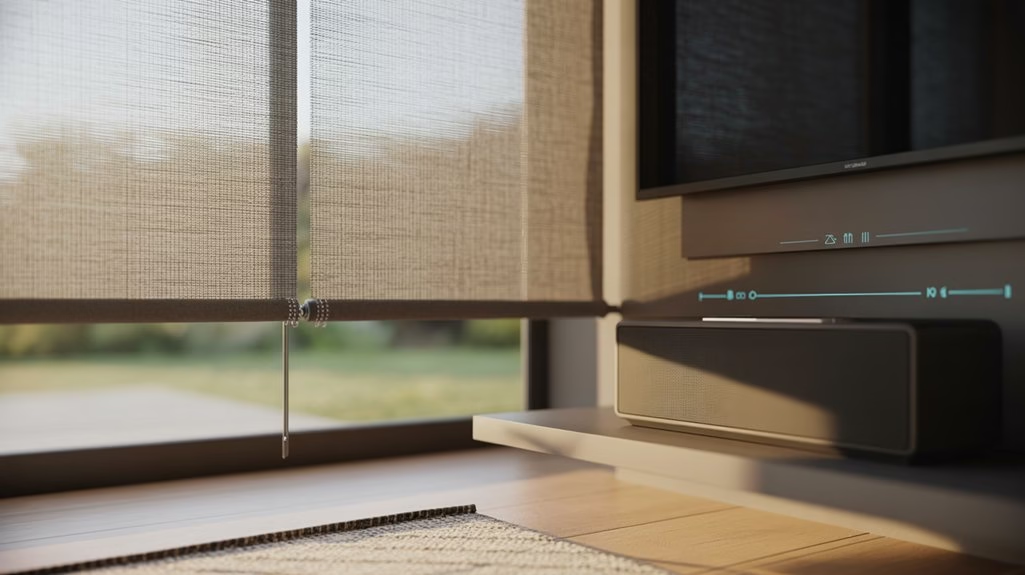
Pair smart temperature control with automated shading from connected smart home devices like smart blinds to block heat gain or retain warmth, reducing HVAC load.
According to the DOE, you can reduce energy consumption 10–30%, depending on usage patterns and local climate conditions.
Strengthening Home Security With Connected Devices
As you optimize comfort and efficiency, connected devices can also bolster peace of mind by strengthening home security.
With smart cameras, you can monitor remotely in real time, receive motion alerts, and review clips when something looks off. Smart doorbells with integrated cameras add two-way talk, helping you verify visitors and deter intruders from anywhere.
Smart locks give you keyless control, letting you lock or open doors and grant temporary access without handing over physical keys. When tied into home automation systems, these connected devices trigger automated routines—like locking doors and turning on outdoor lights as a homeowner leaves.
Visible smart security gear doesn’t just record; it discourages break-ins. Studies show homes using such systems experience lower burglary rates, making your property safer and your life simpler.
Step-by-Step Setup and Integration Tips
A smooth smart home starts with choosing a single ecosystem—Google Home, Amazon Alexa, or Apple HomeKit—so your devices speak the same language.
Pick the smart home system that supports your current smart home products and future needs.
Connect each of your smart devices to the Wi-Fi network, update firmware, and tweak performance settings in their apps.
In Google Home or Amazon’s Alexa, create rooms and groups, then use a simple, consistent naming convention so you can control your smart lights, plugs, and sensors without confusion.
Build automation with routines and, if needed, IFTTT to link brands and trigger actions by time, presence, or sensors.
Add devices gradually to protect connectivity. For complex wiring, whole‑home audio, or security panels, consider professional installation to guarantee clean integration and reliability.
Frequently Asked Questions
Can I Turn My Home Into a Smart Home?
Yes, you can turn your home into a smart home. Start with smart lighting, thermostats, and cameras for energy efficiency and wireless security.
Choose an ecosystem for seamless home integration and voice control. Add a hub to simplify the installation process and improve user experience.
Use IoT technology for remote monitoring and automation. Verify smart devices’ compatibility, then expand gradually.
You’ll gain convenience, better safety, and potential savings while controlling everything from your phone or voice.
How Much Does It Cost to Turn Your House Into a Smart House?
It typically costs $200–$1,000 for basics and $2,000–$10,000+ for full setups—but don’t worry, energy savings can offset costs.
You’ll weigh smart devices pricing, installation costs, and budget planning. Compare DIY options versus professional services, and use product comparisons to prioritize must‑haves.
Expect maintenance expenses, potential hidden fees, and slightly higher internet bills.
Think long term investments: start small, expand gradually, and upgrade as savings accumulate while keeping flexibility for future integrations.
What Is the Difference Between Smart Home and Home Automation?
A smart home is the whole ecosystem; home automation is the task-level tech. You use automation systems to control specific home devices, while smart technology ties them together with integration platforms.
Smart homes emphasize user convenience, voice control, remote access, and seamless security features. Home automation might run lights or thermostats; smart homes add smart appliances, data-driven energy efficiency, and unified control.
You’ll experience broader coordination instead of isolated functions.
How to Make an Old House a Smart House?
Start by surveying wiring and Wi‑Fi connectivity, then add smart devices with budget friendly, smart options.
Use retrofit solutions for old homes: smart plugs, lighting automation, and thermostats.
Address compatibility issues for voice control and choose user friendly, app interfaces.
Boost energy efficiency with smart upgrades and home sensors; follow practical installation tips and integration methods.
For security systems in vintage houses, consider pro installation.
Upgrade internet to overcome challenges and guarantee reliable performance.
Conclusion
You’ve now got the playbook to turn your place into a smart home that works for you. Pick an ecosystem, choose compatible devices, and you’ll save energy, boost security, and simplify daily routines. Start small, then build—slow and steady wins the race. Tweak automations, monitor usage, and keep firmware updated for smooth sailing. With each step, you’ll gain control, comfort, and peace of mind. Ready to flip the switch and make your home truly intelligent?