Integrating Smart Lighting With Home Theater Systems: the Ultimate Guide
Transform your home theater with smart lighting that sets ambiance, reduces eye strain, and syncs with on‑screen action. Pick a compatible ecosystem (HomeKit, Google, Alexa), plan zones (ambient, task, accent), and create scenes for Movie, Intermission, and Gaming. Use bias lighting, HDMI‑CEC triggers, motion sensors, and voice control for seamless, hands‑free effects. Install safely, maintain bulbs and apps, and troubleshoot Wi‑Fi or bridge issues. Explore future upgrades like advanced sensors and scene animations to elevate every moment further.
Key Takeaways
- Choose a compatible ecosystem (HomeKit, Google Home, Alexa) and map zones (ambient, task, accent) with programmable scenes for Movie, Intermission, and Gaming.
- Use dimmable, color-changing LEDs for bias lighting, reduced eye strain, and genre-specific ambiance; prioritize brands with long-term updates.
- Sync lights with AV via HDMI-CEC, screen-edge color mapping, and audio-reactive effects; trigger presets with motion sensors on entry/exit.
- Implement automation: dim during critical moments, ramp up for pauses, and schedule transitions; enable hands-free control with voice assistants.
- Plan installation safety (breaker off), maintain by cleaning lenses and updating firmware/apps; troubleshoot Wi‑Fi, reset bridges, and check connectors.
Why Smart Lighting Belongs in Your Home Theater
Even before the opening credits roll, smart lighting sets the tone for your home theater. You shape a customizable ambiance with precise lighting scenes that suit a thriller, a rom-com, or a gaming break.
Color-changing bulbs and dimmable settings reduce eye strain, keep your focus on the screen, and deliver immersive viewing without glare.
With automation capabilities, your lights sync to on-screen action, adding dynamic effects that heighten realism—subtle pulses during explosions, cool hues for space epics, warm tones for drama.
Energy-efficient LEDs cut power use and last longer, saving money while staying eco-friendly. Integrations with voice assistants give you hands-free control, so you tweak brightness or color without pausing.
The result is pure convenience and a richer, more cinematic experience.
Choosing a Compatible Smart Lighting Ecosystem
Before you buy bulbs and hubs, map your home theater’s ecosystem so your lights play nicely with your projector, AV receiver, and control methods. Start by confirming compatibility between your smart lighting ecosystem and existing gear to guarantee reliable integration.
Shortlist ecosystems like Apple HomeKit, Google Home, or Amazon Alexa; each supports broad smart lighting products and works well in home theater setups.
Prioritize user-friendly interfaces and intuitive smartphone apps that make scenes, schedules, and customization options painless. Check expandability so you can add fixtures, bias lights, or accent strips later without swapping platforms.
Evaluate device support lists, latency, and local control options. Finally, favor brands with long-term support and frequent updates for security and features, reducing headaches as your system evolves.
Planning the Room: Zones, Layers, and Light Control
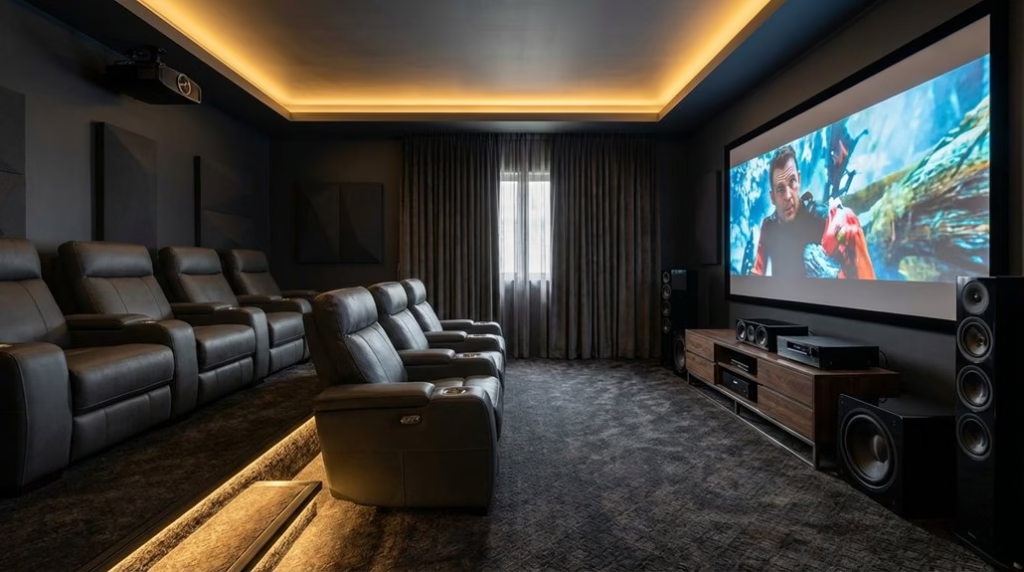
While screens and speakers get the spotlight, your home theater’s mood hinges on how you divide and layer light. Start by mapping lighting zones: ambient lighting for overall glow, task lighting for seating and controls, and accent lighting to frame architecture and décor.
Use smart lighting so each zone can dim, shift color temperature, or group with others based on activity. Create programmable lighting scenes—Movie, Intermission, Gaming—that orchestrate brightness and color across zones.
Program smart zones to dim, warm, and sync; trigger Movie, Intermission, or Gaming scenes across your room.
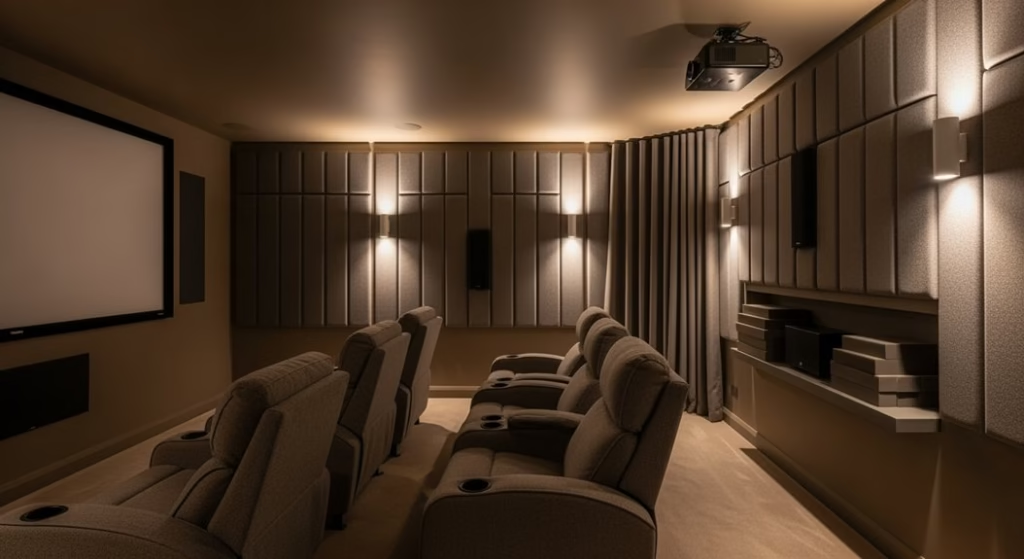
Place recessed fixtures and discreet light strips to achieve glare reduction while keeping aisles visible. Keep lamps behind or beside seating, not facing the screen, to preserve contrast.
Add motion sensors along pathways and steps for low-level guidance that won’t break immersion. Centralized light control guarantees quick tweaks without fumbling.
Ambient, Task, and Accent Lighting Options
With zones and scenes mapped, it’s time to pick the right fixtures for each layer. For ambient lighting, use recessed cans and perimeter LED strips to deliver even illumination that reduces glare and keeps the home theater comfortable.
Add task lighting with adjustable floor lamps or wall sconces so you can read manuals, find remotes, or navigate steps without washing out the screen.
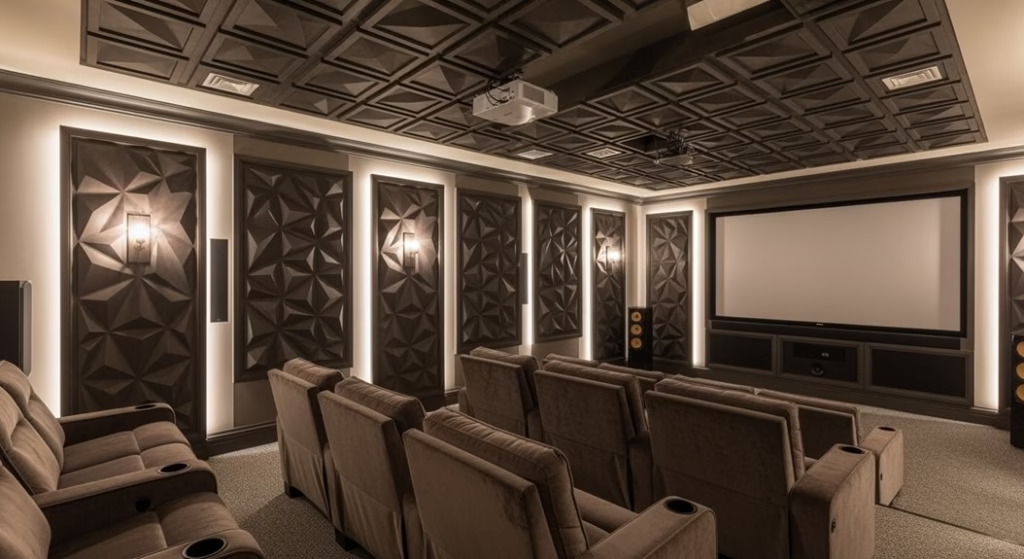
Use accent lighting—track lights or LED strips—to highlight speakers, acoustic panels, or architectural niches, building an immersive atmosphere without distraction.
Install smart bulbs across all types and keep them dimmable for customizable brightness that matches movie night or casual entertaining.
This layered lighting approach improves aesthetics and function, reduces eye strain during long sessions, and keeps every cue crisp while you relax.
Syncing Lights With AV Equipment and Content
Once your layers are dialed in, sync the lights to your AV gear so the room reacts to what you’re watching or playing.
You’ll use syncing smart lights to tie visuals and audio cues to your AV equipment, turning your home theater into an immersive atmosphere with dynamic lighting that shifts in real time. Systems like Philips Hue integrate with consoles and streamers, mapping on‑screen color and intensity to the room.
- Use HDMI-CEC so lights dim when the TV or projector powers on, prepping the space without taps.
- Trigger lighting presets with motion sensors as you enter or exit, then fade to black at playback.
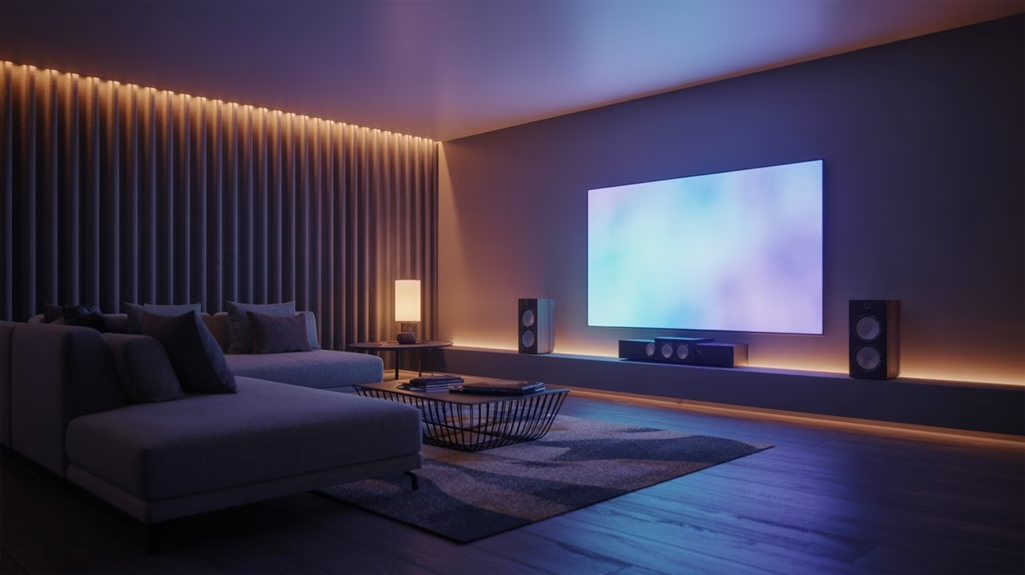
- Map colors to screen edges for responsive bias lighting.
- Sync subtle pulses to audio cues to enhance viewing experience.
Creating and Automating Lighting Scenes
Even before you hit play, curated lighting scenes can set the tone and run themselves.
With smart lighting tied to your home theater systems, you can create specific presets for movie night, gaming, or parties, then trigger them with a tap or phrase.
Automating lighting scenes lets you fade from bright ambient light to a soft glow as the film begins to enhance viewing experience.
Use scheduling features to arm scenes at sunset or power down after credits for convenience and energy efficiency.
Sync lighting effects with on-screen action to deliver dynamic lighting effects that pulse during explosions or cool off in quiet dialog.
Voice-activated controls keep your hands free, so you can switch modes, tweak brightness, or adjust colors without leaving the story.
Installation: DIY Vs Professional and Safety Essentials
Before you start wiring smart lights into your home theater, weigh DIY against hiring a pro. DIY installation cuts costs and lets you customize, but you’ll need a grasp of electrical systems and smart technology.
Professional installation delivers peak performance and safety, especially when complex wiring and local electrical codes are in play. Always shut off power at the breaker—non‑negotiable safety essentials.
Let your lighting plan guide the choice: simple swaps and hub pairing suit DIY; multi-zone circuits or in-wall controls favor pros.
- Verify breakers are off, label circuits, and use proper wire connectors.
- Map fixture placement to protect screens and mark safe walkways.
- Confirm smart lighting hubs, bridges, and dimmers are compatible.
- If you’re unsure about code compliance, hire a licensed installer.
Optimizing for Eye Comfort, Glare Control, and Immersion
While picture quality steals the spotlight, smart lighting is what keeps your eyes comfortable and your focus locked on the screen.
Start by dialing in brightness levels and color temperatures that match your room and content; warmer tones and moderate output reduce eye strain during long sessions.
Dial in brightness and color temperature; warmer, moderate light reduces eye strain during long sessions.
Add bias lighting behind the display to boost perceived contrast and improve glare control without washing out blacks. Program dimmable smart lights to fade as playback starts, easing your eyes from task lighting to cinematic darkness.
Use sensors to modulate ambient light levels throughout the day, keeping reflections in check and comfort steady.
Place accent lighting along walls or around architectural details so it frames the space, not the screen. Together, these choices protect your vision and deepen immersion.
Maintenance, Troubleshooting, and Upgrades
You’ve tuned lighting for comfort and immersion; now keep it sharp with a simple care routine and smart upgrades.
Prioritize maintenance to keep smart lighting systems reliable: dust fixtures, replace aging bulbs, and apply firmware updates for peak performance and security.
If flicker or lag hits, start troubleshooting connectivity problems—verify Wi‑Fi signal strength, reseat loose connectors, and reset bridges or bulbs as needed.
Keep your control app current; updates often reveal advanced features and stability gains.
Revisit lighting scenes and schedules to fit movie nights, gaming, or casual viewing, boosting your home theater experience.
- Clean lenses and housings quarterly; heat and dust degrade output.
- Update apps and firmware updates together to avoid version mismatch.
- Map Wi‑Fi coverage; relocate hubs to reduce interference.
- Plan upgrades: motion sensors, refined voice control, or scene animations.
Frequently Asked Questions
How Do Smart Lights Affect Energy Usage During Long Movie Marathons?
They reduce energy usage if you optimize settings.
You boost energy efficiency with light dimming, ambient lighting, and cooler color temperature. Smart sensors switch lights off when you leave, while automated scheduling trims idle time.
Track usage patterns to fine-tune scenes and maximize energy savings. Through smart home integration, you coordinate devices and avoid waste.
Do a quick cost analysis: lower wattage and fewer on-hours typically offset bulb premiums during long marathons.
Can Smart Lighting Improve Accessibility for Users With Disabilities?
Like a lighthouse guiding ships, yes—smart lighting can improve accessibility.
You gain user empowerment through smart technology: voice activation and remote control reduce mobility barriers, while adaptive systems deliver environmental adjustments tailored to sensory experiences.
Visual aids like adjustable brightness and color contrast help low vision. Tactile feedback switches assist limited dexterity.
Scene presets automate routines, minimizing fatigue. You customize alerts with flashes, ensuring awareness.
Altogether, accessible lighting supports independence and comfort.
What Privacy Considerations Exist When Using Cloud-Connected Lighting Systems?
You should weigh risks like user tracking, third party access, and insecure data storage.
Review privacy policies and require explicit user consent.
Verify encryption methods, device authentication, and where data security is enforced end-to-end.
Limit cloud logs, disable unnecessary analytics, and check regulatory compliance claims.
Harden accounts with strong passwords and MFA.
Apply timely firmware updates, segment your network, and prune shared integrations to reduce exposure while keeping essential functionality.
How Do Backup Power or UPS Solutions Impact Smart Lighting Reliability?
Like a seatbelt for electricity, backup power and UPS solutions boost smart lighting system reliability during power interruptions.
You keep hubs, routers, and critical bulbs online, while surge protection shields gear.
You weigh device compatibility, installation considerations, and maintenance practices—battery health checks and firmware updates.
You size capacity for runtime and energy conservation, avoiding overprovisioning.
You prioritize critical circuits, label outlets, and test failover so scenes recover quickly and automations don’t blink out.
Are There Insurance or Building Code Implications for Smart Lighting Installations?
Yes—smart lighting can trigger insurance requirements and building code obligations.
You must follow building codes, electrical standards, and safety regulations, and sometimes secure installation permits. Expect compliance checks during renovations, plus potential zoning laws and renovation rules affecting placement and load.
Improper installs can jeopardize liability coverage, while documented professional work can earn insurance discounts.
Notify your insurer, keep receipts and specs, and have a licensed electrician certify compliance to avoid claim disputes.
Conclusion
You’ve seen why smart lighting matters, how to choose a platform, and where to place light; you’ve learned to sync with AV gear, to craft scenes, and to automate routines; you’ve weighed DIY against pros, and optimized for comfort and immersion. Now take the next step: map zones, program cues, test dimming. Start simple, refine often, enjoy more. When your lights respond, your theater transforms—more cinematic, more comfortable, more effortless—because you designed it, tuned it, and owned it.